( Marketing Challenge ) ← All campaigns
( Watch · 27:56 · 13 chapters )

Watch the masterclass.

The full live session, in short chapters. Pick any chapter, or press play and it runs straight through.

Chapter 1 of 13
( Chapter 1 · 4:33 )

Welcome to Claude for Marketing

A new series in short, bite-sized lessons, and two pages built with Claude.

  • We use Claude every day at ListingLeads: marketing, sales, support and building our tools.
  • The five generations listing page: pick your generation and the whole listing rewrites itself.
  • The text thread coming soon page: the listing becomes a lead capture message.
“Marketing can be fun.”
Everything starts with inspiration.

“You have got to give Claude great examples and inspiration. Period.”@jimmymackin · live, Nov 5, 2026

We use Claude every day at ListingLeads: for marketing, sales, support and building our tools. The question we get most is how to use it to make great marketing. This is the first lesson, because if you get it wrong, nothing else matters.

If you just say “Hey Claude, create me a great landing page,” it builds something generic that looks like everyone else’s. Show it what great looks like first: a screenshot and a link. Then say what you want, for real estate.

I am not the most creative person in the world. I am good at finding great ideas, learning from them and using them in real estate. These 14 sites are where I find them.

( Part 1 )

Websites and listing pages.

Most agent sites are built from the same template. A great landing page starts with a great form, so these four sites show how the best brands lay out pages, sign-up flows and sections.

  1. 01Apps and sign-up flows

    Mobbin

    A searchable library of screenshots and user flows from real, shipped apps.

    How I use it: When I build a calculator I ask, how does Uber build one? For a sign-up form: how does Masterclass do it? I grab the example and say, “Build this version for me, but for real estate: a seller lead form.”

    mobbin.com
  2. 02Landing pages

    Land-book

    A gallery of beautiful websites and landing pages, broken up by section.

    How I use it: Click a section, like testimonials, and see how other brands build it. Screenshot the one you love and ask Claude to build yours with your Zillow, Google and Yelp reviews.

    land-book.com
  3. 03Landing pages

    Landingfolio

    Landing page examples broken down into sections and components.

    How I use it: Like Land-book: a great place to find landing pages and offers to start from.

    landingfolio.com
  4. 04Motion

    Motion Sites

    A gallery of websites built around motion and animation.

    How I use it: Before a listing appointment for a $1.5 million home, find a site you love and say, “Recreate this site, but instead of the people, use the listing photos.” Now you have a page to show the seller.

    motionsites.ai

( Try this prompt in Claude )

( The prompt )
Here is a screenshot and a link to a sign-up form I like. Build this version for me, but for real estate: a seller lead form that asks for the address first, then name, email and phone. Keep the same layout and feel.
( Part 2 )

Email and newsletters.

Look past the design to the copy. Behind every big brand email is a copywriter who spent hours on every word. Borrow the idea, then make it about your listing.

  1. 05Email

    Really Good Emails

    The best email campaigns, collected and updated every day.

    How I use it: Slate sent an email headlined “The verdict is in.” I would turn that into: “The verdict is in. I found the best home in Auburn, New Hampshire.” Then back it up with how many people saved it on Zillow this week.

    reallygoodemails.com
  2. 06Email

    Email Love

    A gallery of email designs, sorted by category.

    How I use it: Take an e-commerce idea into real estate. A “Back in stock” email becomes: “Back in stock: 114 Haven Drive. This home has been off the market for 23 years.”

    emaillove.com
  3. 07Newsletter

    Marketing Brew

    A newsletter on what the best brands are doing in marketing.

    How I use it: This one is less about design and more about angles, like Firefox’s nostalgic brand campaign. Creativity sells. Find what the best brands are doing and use the idea.

    marketingbrew.com
  4. 08Newsletter

    Marketing Ideas

    Tom Orbach’s newsletter of practical marketing tactics. Think Reddit for marketers.

    How I use it: His “35 ideas to steal” has gems like a blurred screenshot behind your sign-up form. Ideas like these inspired our free pricing tool.

    marketingideas.com/archive

( Try this prompt in Claude )

( The prompt )
Here is an email I like. Write a Deal of the Week email for my listing in the same structure. Borrow the headline idea, “The verdict is in,” and make it about this home: [address], [the one number that proves it is special, like saves on Zillow]. One ask at the end. Under 200 words.
( Part 3 )

Ads, design and sound.

AI can make static ads, GIF ads and video. Start from campaigns that already work, then add your own sound.

  1. 09Ads

    Adfolio

    A library of the best ad campaigns running now, sorted by static, GIF and video.

    How I use it: I gave Claude a Monday.com ad I liked and asked for a series for our team, built around one fact: we sell a house every 36 hours. One prompt, a whole set of ads.

    adfolio.design/motion
  2. 10Design

    Dribbble

    Beautiful work from designers around the world: landing pages, dashboards, illustrations.

    How I use it: Most agents don’t know it. Search “postcard” or “social media” and push yourself past your comfort zone.

    dribbble.com
  3. 11Sound effects

    ElevenLabs Sound Effects

    A free library of sound effects, and a tool that makes new ones from a prompt.

    How I use it: The click, the whoosh and the riser you hear on Instagram videos come from libraries like this. Add them when Claude edits your video.

    elevenlabs.io/sound-effects

( Try this prompt in Claude )

( The prompt )
Here is an ad I like. Using it as inspiration, build me a series of 6 ads for my business, all about one fact: [your proof point, like “we sell a house every 36 hours”]. Give me a static version and the on-screen text for a short video version of each.
( Part 4 )

Building your own tools.

Claude can build calculators, charts and animated pieces. Feed it these libraries and what you make looks finished.

  1. 12Components

    Design Engineer Tools

    A directory of tools and component libraries for people who design and code.

    How I use it: This is where we find the component libraries behind the animations in our Post Everywhere templates. Give Claude the library and your social posts pop in the feed.

    designengineer.tools
  2. 13Charts

    Spectrum UI Charts

    Ready-made chart blocks for websites.

    How I use it: We use it for the charts, graphs and calculators in our weekly blog posts and landing pages.

    ui.spectrumhq.in/blocks/charts
  3. 14Motion details

    Design Spells

    Small design details and effects that feel like magic.

    How I use it: Animations and effects for landing pages, listing pages, social media and your Instagram edits.

    designspells.com

( Try this prompt in Claude )

( The prompt )
Build me a pricing calculator for sellers in [my area]. They type in their address and pick a price, and it shows how competitive that price is against the recent sales I give you. Use this chart screenshot as the style. Here is the CSV of sales.
( Bonus · 10 more sites )

Bonus: 10 more sites.

Sites I added after the live session. Click a screenshot to open the site, then copy the prompt under it.

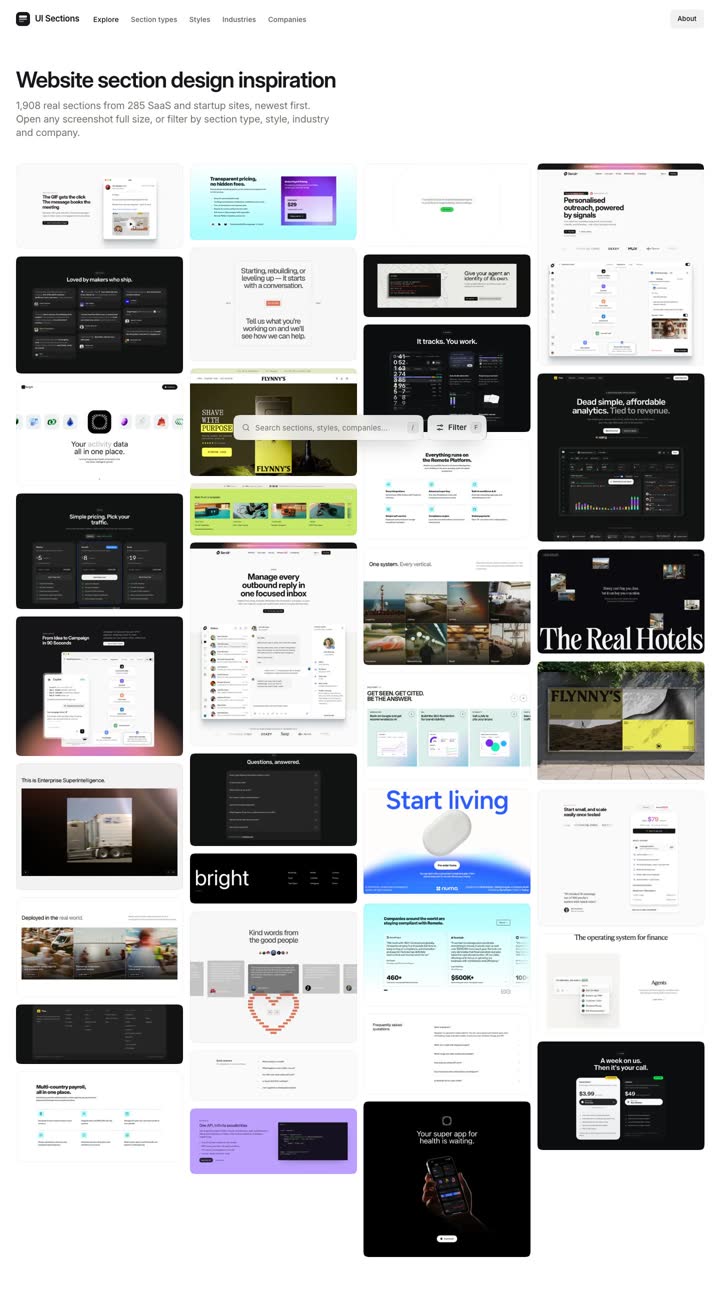
  1. The UI Sections home page
    15Bonus · Page sections

    UI Sections

    Real website sections, like heroes, pricing and features, from hundreds of sites.

    ( The prompt )
    Here is a hero section I like. Build the top of my listing page in this style: the best photo, the address, the price and one button, Book a showing.
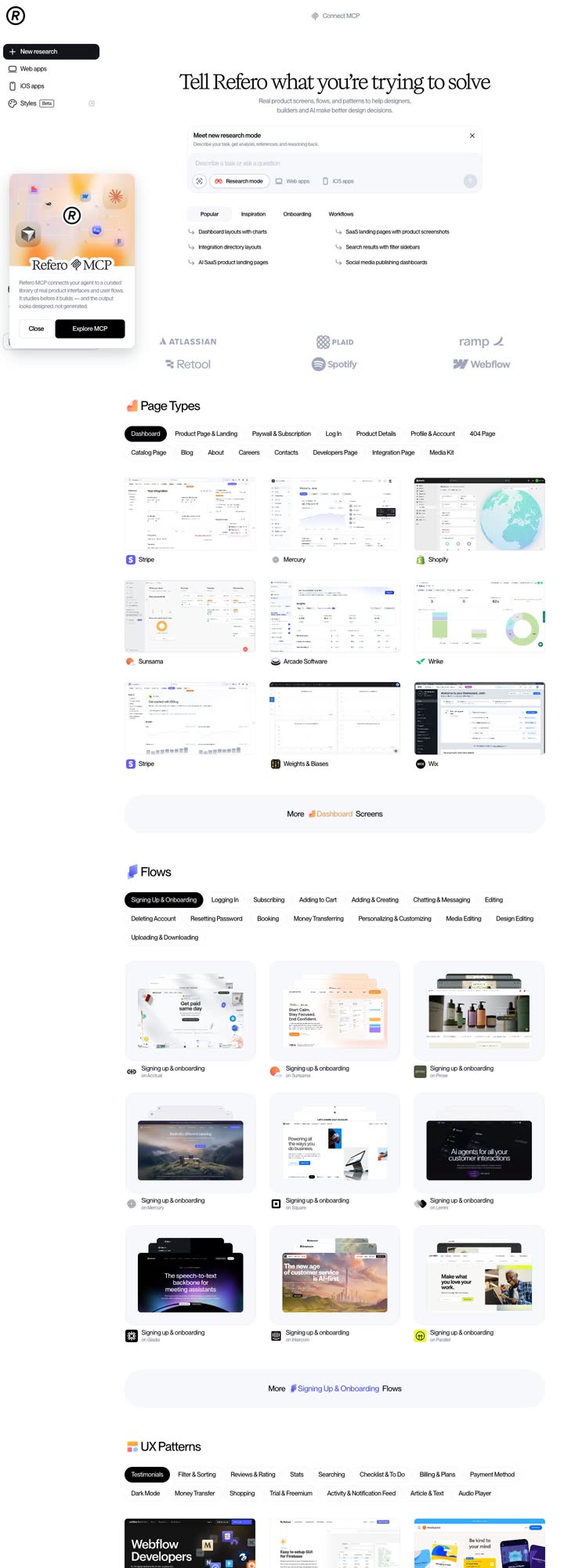
  2. The Refero home page
    16Bonus · UI references

    Refero

    A huge library of web and app screens you can search by page type.

    ( The prompt )
    Here is a page I like. Build my About me page in the same style: my photo, 3 lines on how I sell homes, and my last 5 sales.
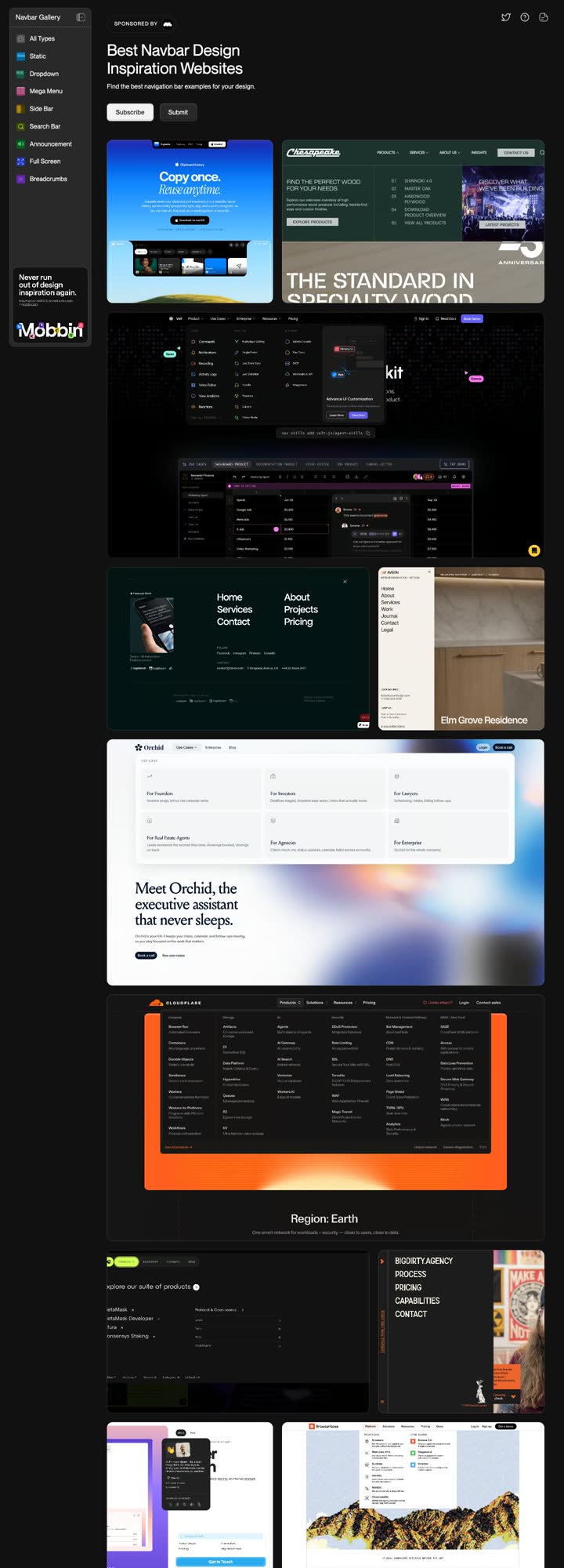
  3. The Navbar Gallery home page
    17Bonus · Menus

    Navbar Gallery

    The best website menus, in one place.

    ( The prompt )
    Here is a menu I like. Build the menu for my site in this style with these links: Buy, Sell, Home value, About, and a Call me button.
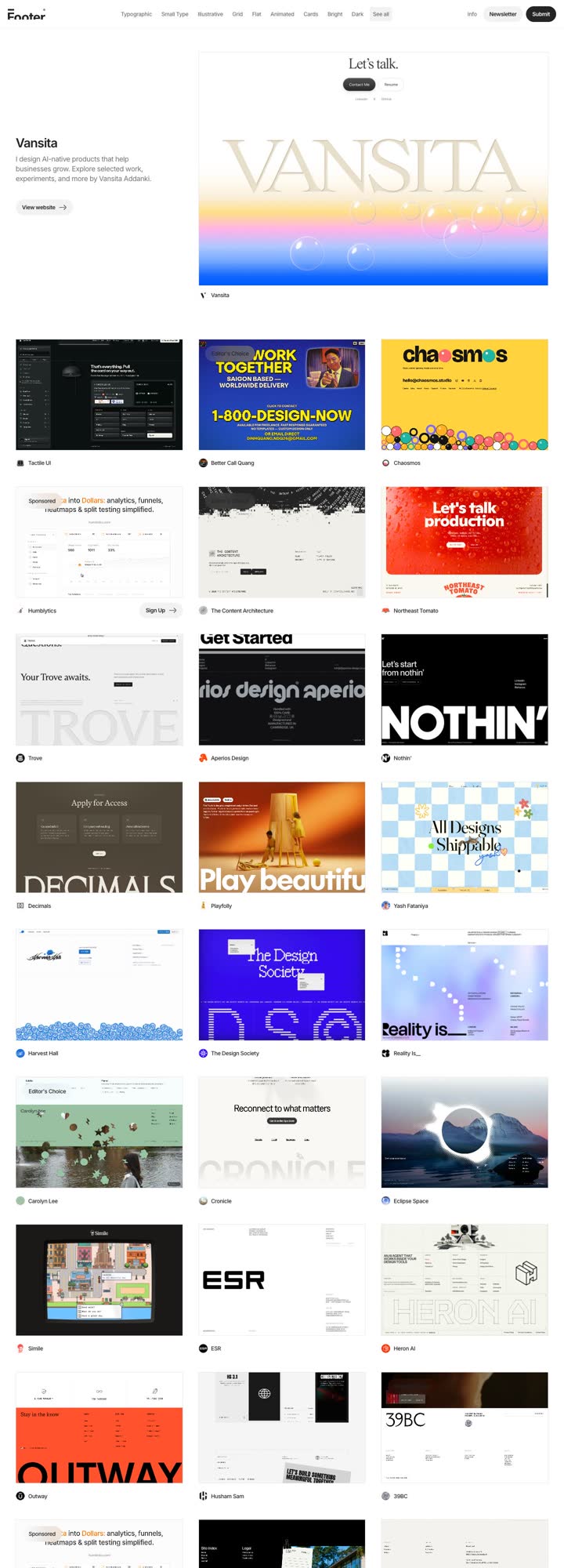
  4. The Footer Design home page
    18Bonus · Footers

    Footer Design

    A gallery of website footers, sorted by type and style.

    ( The prompt )
    Here is a footer I like. Build mine in this style with my name, brokerage, license number, phone, email and social links.
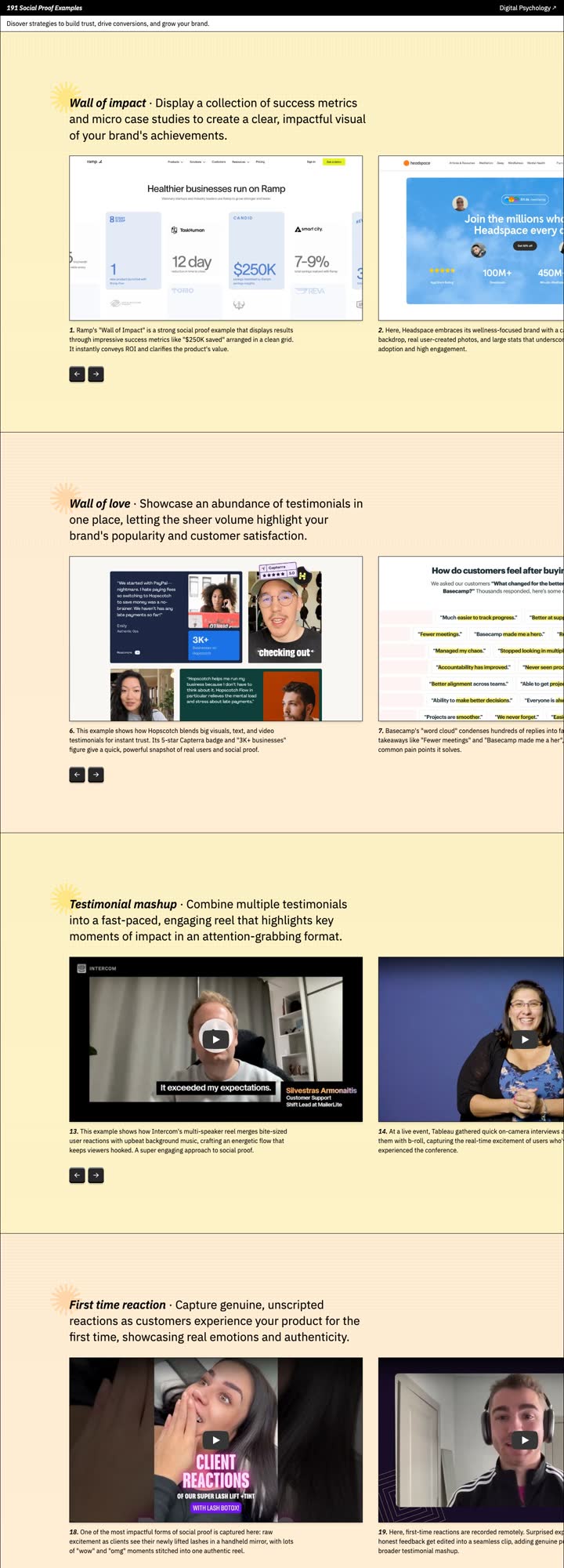
  5. The Social Proof Examples home page
    19Bonus · Trust

    Social Proof Examples

    Ways to show reviews and results that build trust, with the psychology behind each one.

    ( The prompt )
    Here is a social proof idea I like. Use it on my listing page with my real numbers: [homes sold, average days on market, 5 star reviews].
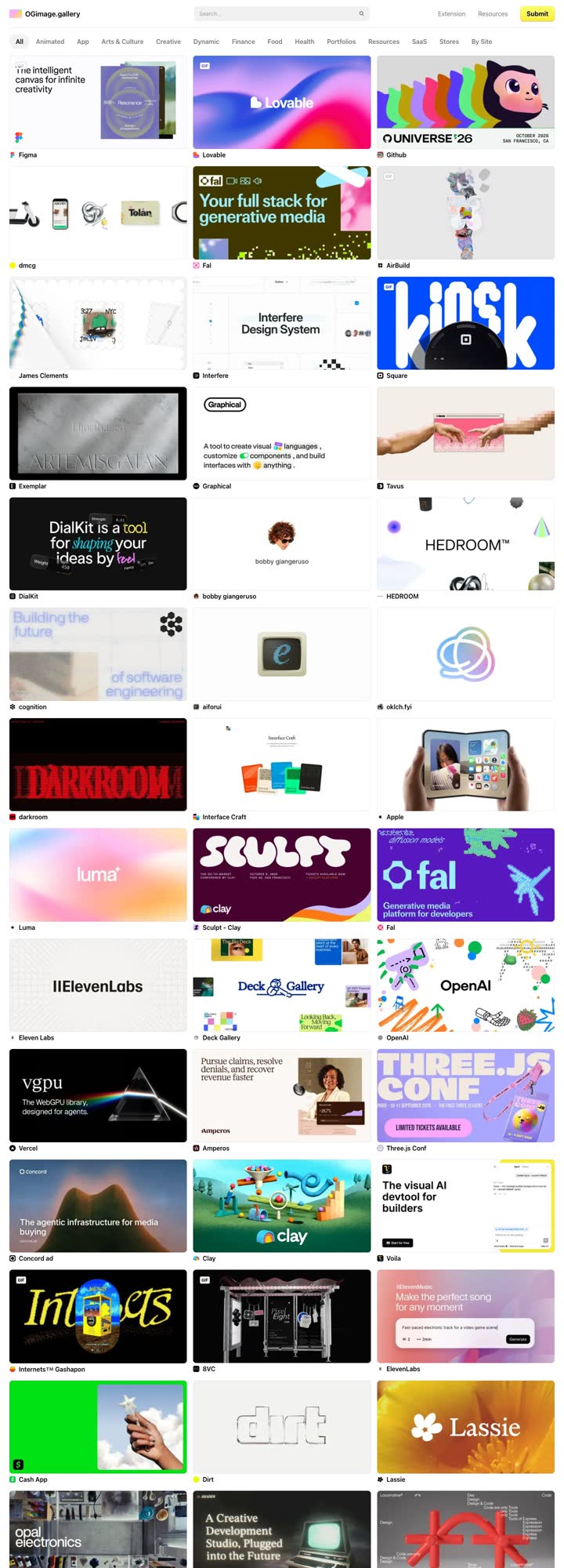
  6. The OG Image Gallery home page
    20Bonus · Share pictures

    OG Image Gallery

    The picture people see when your link is shared in a text or a post.

    ( The prompt )
    Here is a share picture I like. Make the share picture for my listing page in this style: the best photo, the address and the price.
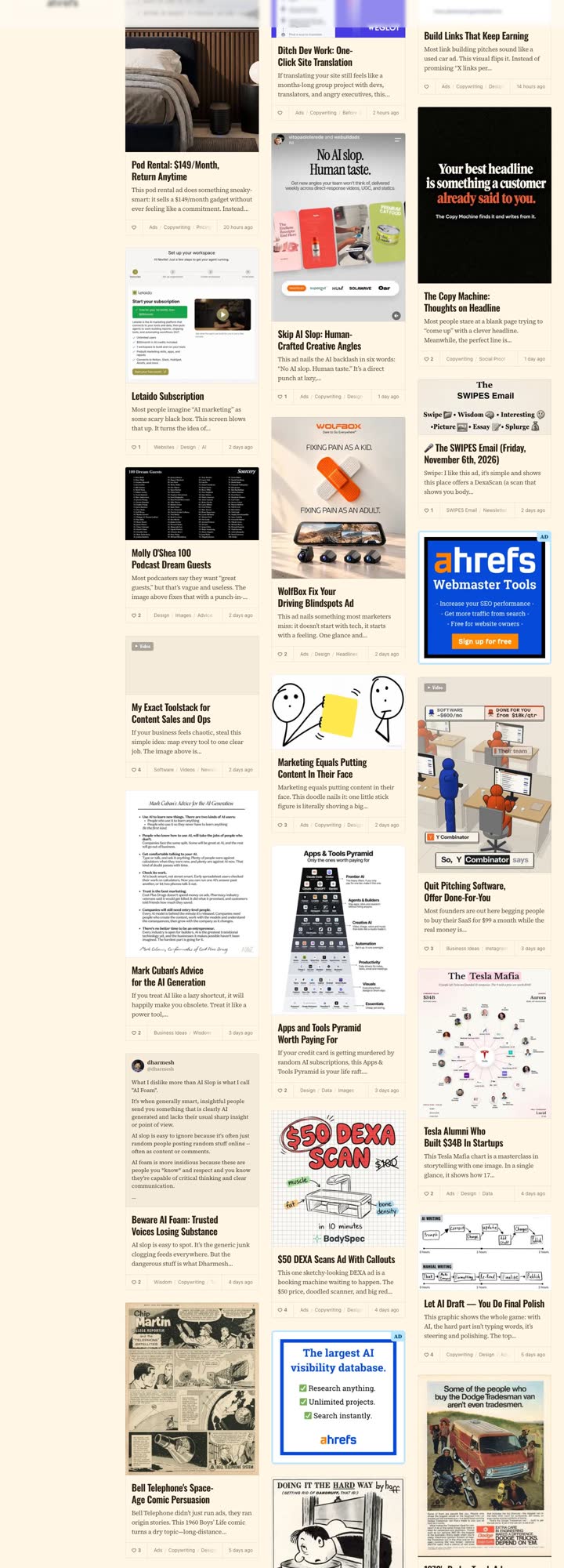
  7. The Swipe File home page
    21Bonus · Copy

    Swipe File

    Classic ads, sales pages and billboards from top copywriters.

    ( The prompt )
    Here is a classic ad I love. Write a Just Listed postcard for [address] that uses the same hook. Keep it to 40 words.
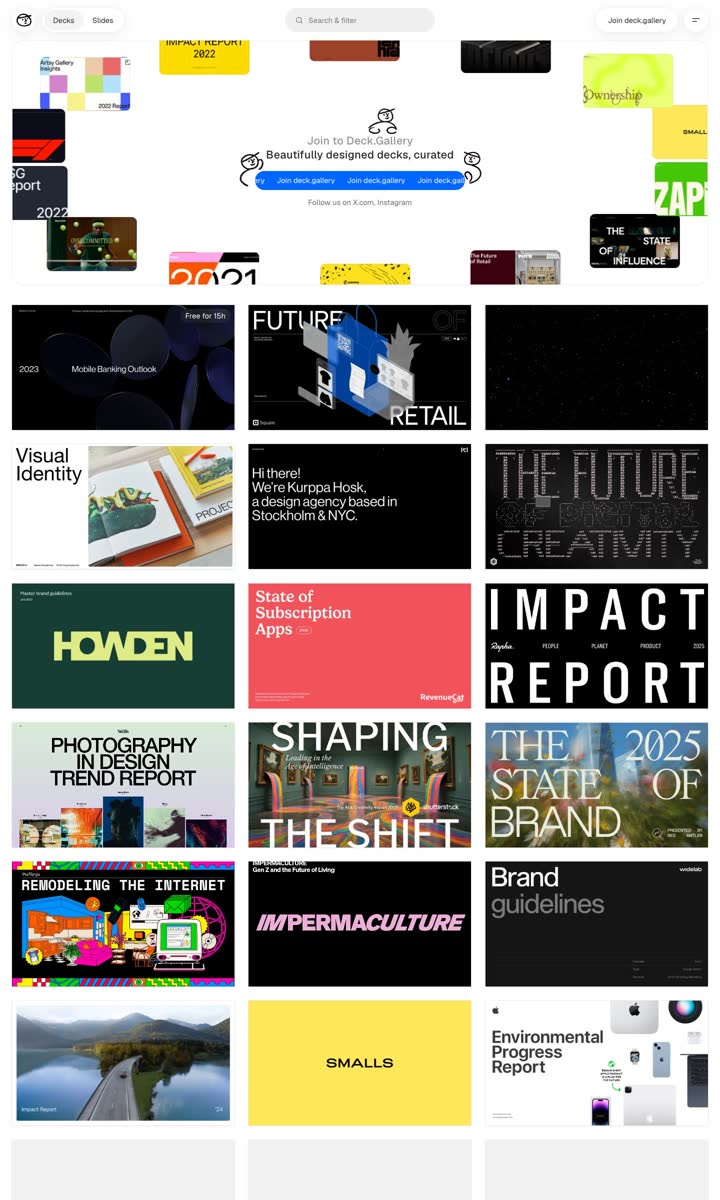
  8. The Deck Gallery home page
    22Bonus · Slides

    Deck Gallery

    Beautifully designed slide decks, from brand books to reports.

    ( The prompt )
    Here is a deck I love. Build my listing presentation in this style: 10 slides on how I will market [address], with my real sales numbers.
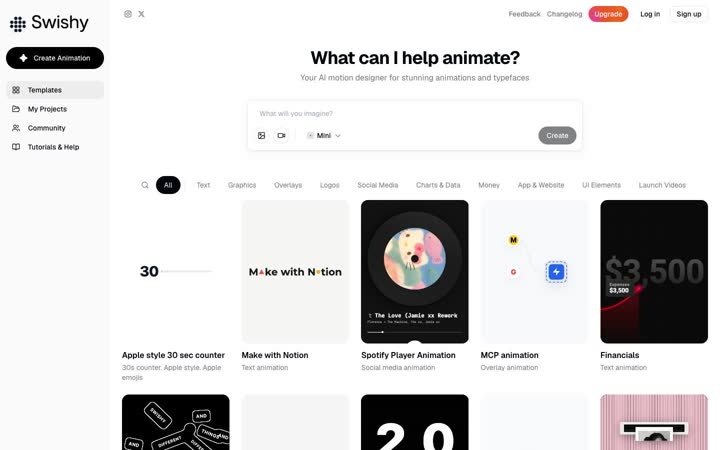
  9. The Swishy home page
    23Bonus · AI motion

    Swishy

    An AI motion designer. Animated text and motion graphics, no After Effects.

    ( The prompt )
    Animate my headline “Just sold: [address]” as a 5 second intro for my Reel. Bold type, my brand colors, and a clean ending on my logo.
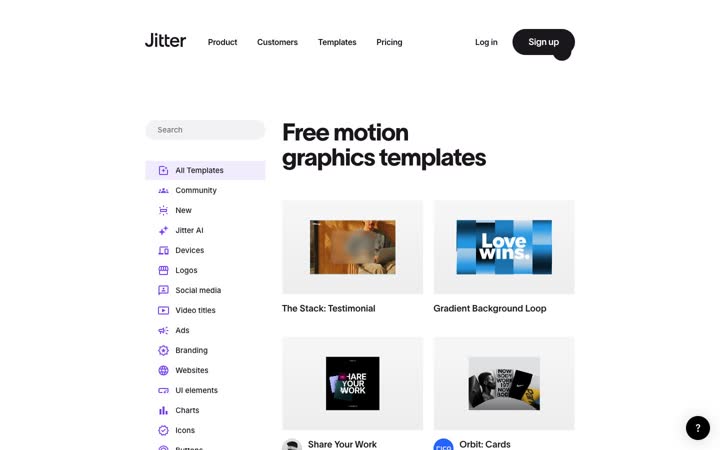
  10. The Jitter home page
    24Bonus · Motion templates

    Jitter

    Free motion templates for posts, stories, ads and more.

    ( The prompt )
    Here is a Jitter template I like. Make the same animation for my new listing at [address] with these 5 photos, sized for Instagram Stories.

The method.

Four steps, every time.

  1. Find a great example on one of these sites.
  2. Take a screenshot and grab the link. Drop both into Claude.
  3. Say what you want, for real estate, with your own details: the address, the area, the audience.
  4. Ask for one change at a time until it’s right.
( Next Thursday )

Artboards and Explore Mode.

Next Thursday: artboards, and Explore Mode, the cheat code I use to make a whole series of ads from one prompt and one example.

See the Marketing Challenge →

Every campaign, with its prompt · Start your free trial